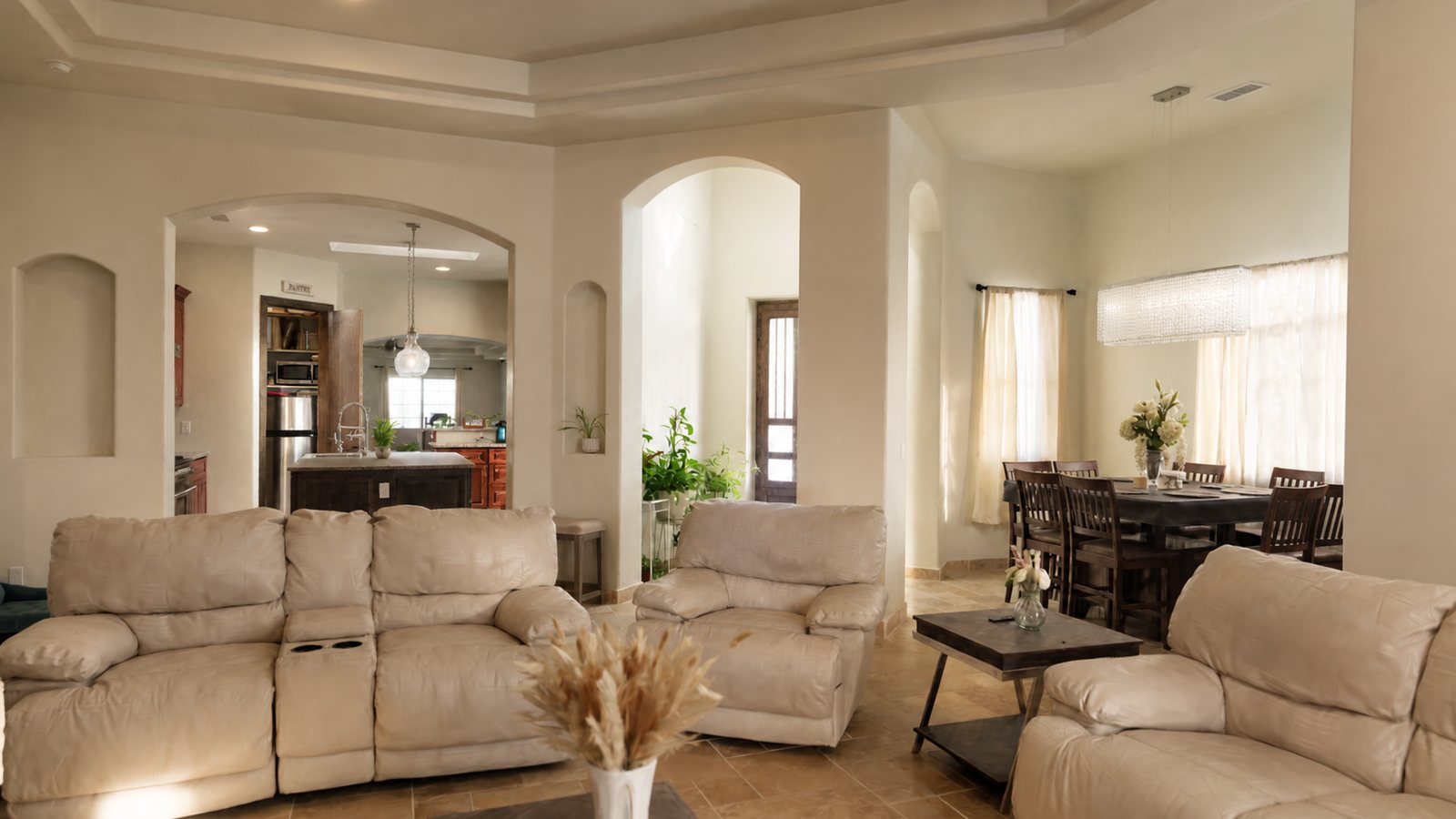
2919 William Street

Residential Capture

All projects

Explore 2919 William Street

Click where you want to go, or use the arrow keys to walk and turn.

Getting around

Walk to a point
Click a floor or doorway
Walk forward or back
Up and down arrow keys, or W and S
Turn left or right
Left and right arrow keys
Step sideways
A D

More controls

Change view
Open Walk, then choose Orbit
Zoom in Orbit mode
Mouse wheel or trackpad
Return to the entrance
Entrance, or press R
Fill the screen
Fullscreen; press Esc to leave
Open this guide again
Help, or press ?

Scene quality

Open Settings to change how much of the capture is drawn. The tour starts at High quality on every device.

High quality
The default: the full scene, tuned to stay smooth
Full detail
Every captured point, about 689 MB; downloaded once, then kept for repeat visits

If a target is not part of the walkable floor, choose a nearby doorway or open floor area.

SuperSplat
0:00
Show Annotations
Show Collision
Gaming Controls
Quality
Performance Mode
SuperSplat Viewer v

Mode Switching

Orbit Mode 1
Fly Mode 2
Toggle Walk 3
Toggle Gaming Controls G
Show Collision V
Play / Pause Space
Toggle Controls H
Toggle Info ShiftH
Exit / Cancel Esc

WebGL Required

AR and VR are not supported on the WebGPU renderer. Pressing OK will reload the viewer with WebGL.

Nothing happening? Switch tabs and back.